
 Admin
AdminWelcome to Oasis RO! One account for the website and the game, and one launcher that installs everything and keeps it current. Four short steps and you are in Prontera.
1. Create your account
On the Create account page: one click with Discord, or with your email, a display name and a password of 8 to 23 characters. Signing up with email sends a confirmation message; opening its link is all it takes.
2. Download the launcher
Download the launcher from the Download page; a new, empty folder is best. Windows 10 or 11 and about 10 GB of free space are enough.
Or the whole game in one go: once you are signed in to the website, the Download page shows a "Full game as a zip" link. Unzip it, put the launcher in the game folder and run it to finish the updates.
3. Install and sign in
On its first run the launcher downloads the whole game and installs every update; you can close it and carry on later. After that it only downloads what changed.
When it is done, press "Play". The first time, your browser opens the "Launcher sign-in" page, and "Allow" links the launcher to your account, so you never type your password in the game.
Only allow it when the request comes from the launcher where you just pressed "Play" yourself. You can sign any device out at any time from your account page.
4. Into the game
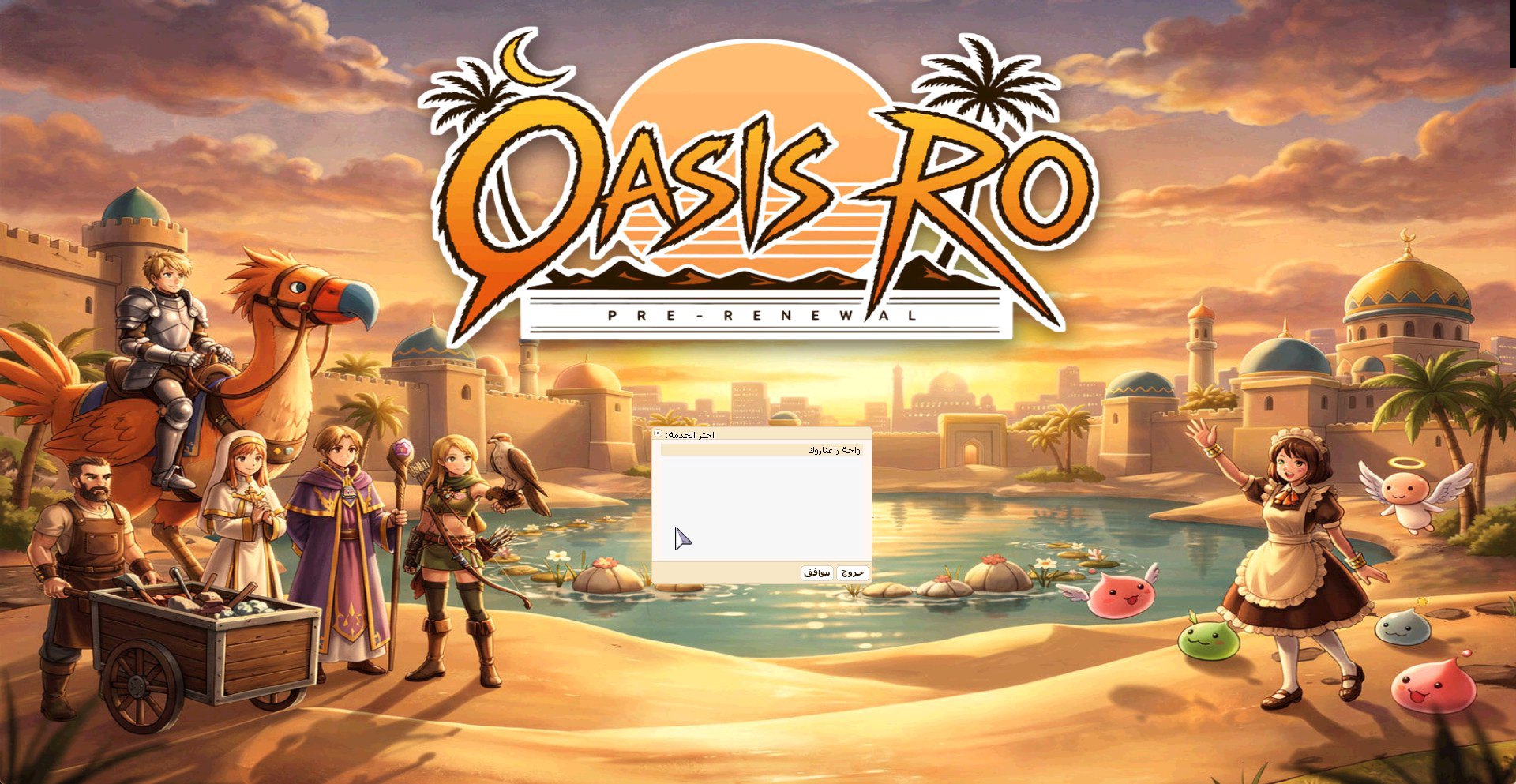
The game opens on the server selection screen: press Enter twice. Please do not wait there longer than about half a minute, or start again from "Play". Then your characters appear, or a slot to create your first one.
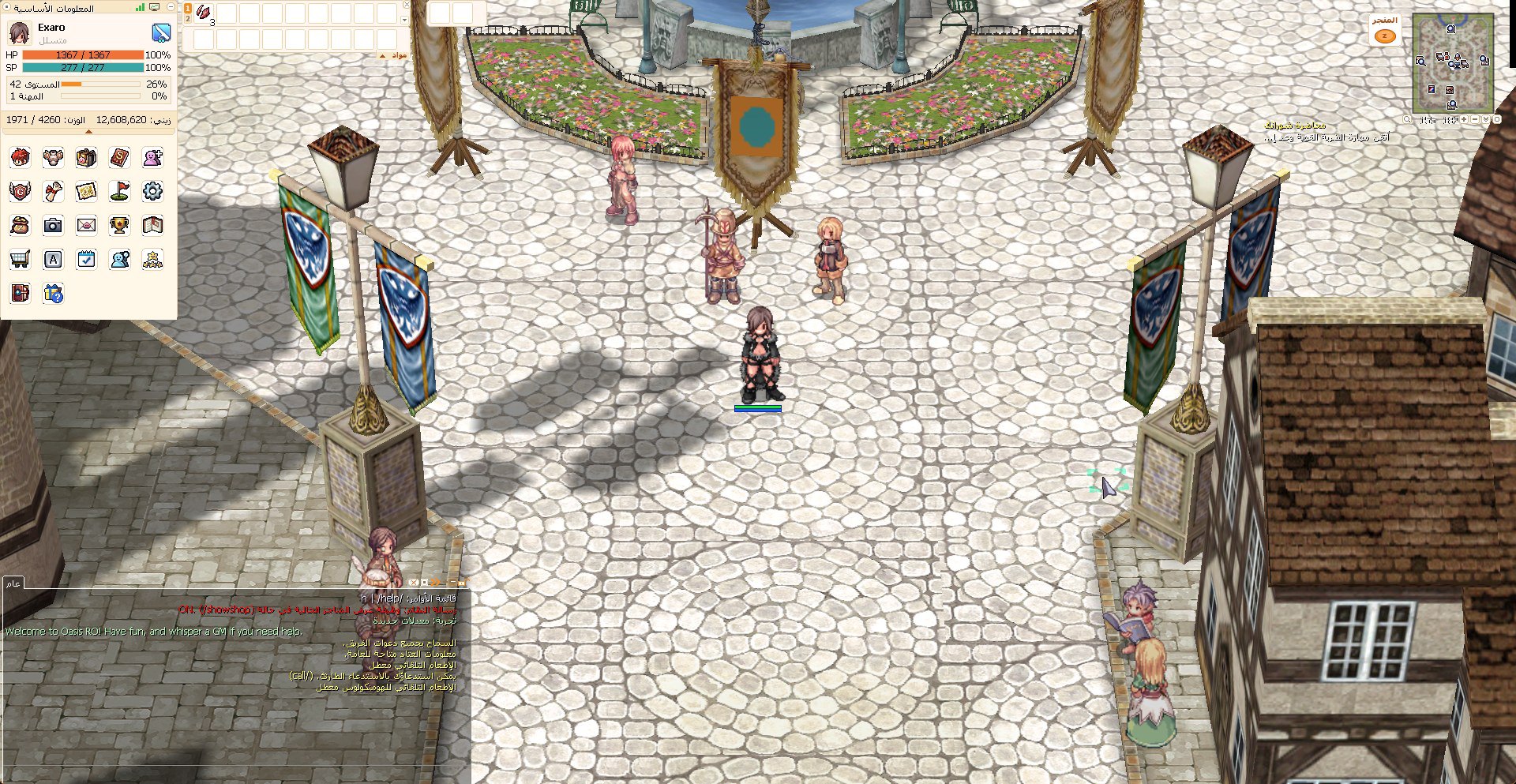
See you at the Prontera fountain!
Trouble on the way?
We are glad to help in Help and support, or on Discord.