
How it works
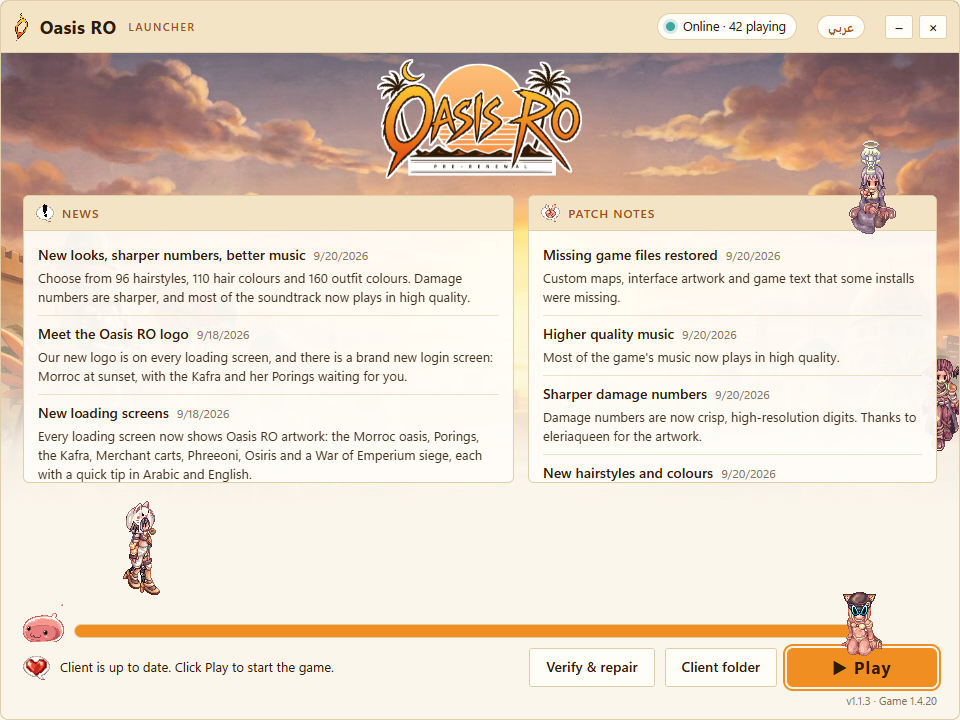
- Download the launcher and put it in a new, empty folder.
- Run it. It downloads the full game and installs all updates; you can close and resume any time.
- Press Play. Next time, it only fetches what changed.
Latest updates
-
Oasis screenshot stamp
Screenshots taken in game now carry the Oasis RO emblem.
-
Living Prontera
Prontera can now take on new looks: Sandstone Oasis, Garden Court and Desert Market, with animated fountains, waving banners, swaying palms and ambient sounds. The server picks the look; the castle flags follow it.
-
Item notice below the target frame
The notice for an item you pick up now shows just below the target frame, not behind it.
-
Monster names in English
The target frame shows monster names in English for now, the same for every monster.
-
Target frame
A frame at the top of the screen shows the monster you fight: its picture, HP, level, name, and its element, race and size with tips on what hits it hardest. Mini-bosses, MVPs and the Emperium have their own frames.